
Let's be honest - nobody thinks about their SD card until something goes wrong.
You're back from a two-week trip to the Arctic Circle with a camera full of photos you'll never be able to retake. You plug in the card, and your computer either doesn't recognize it or shows the folder as empty.
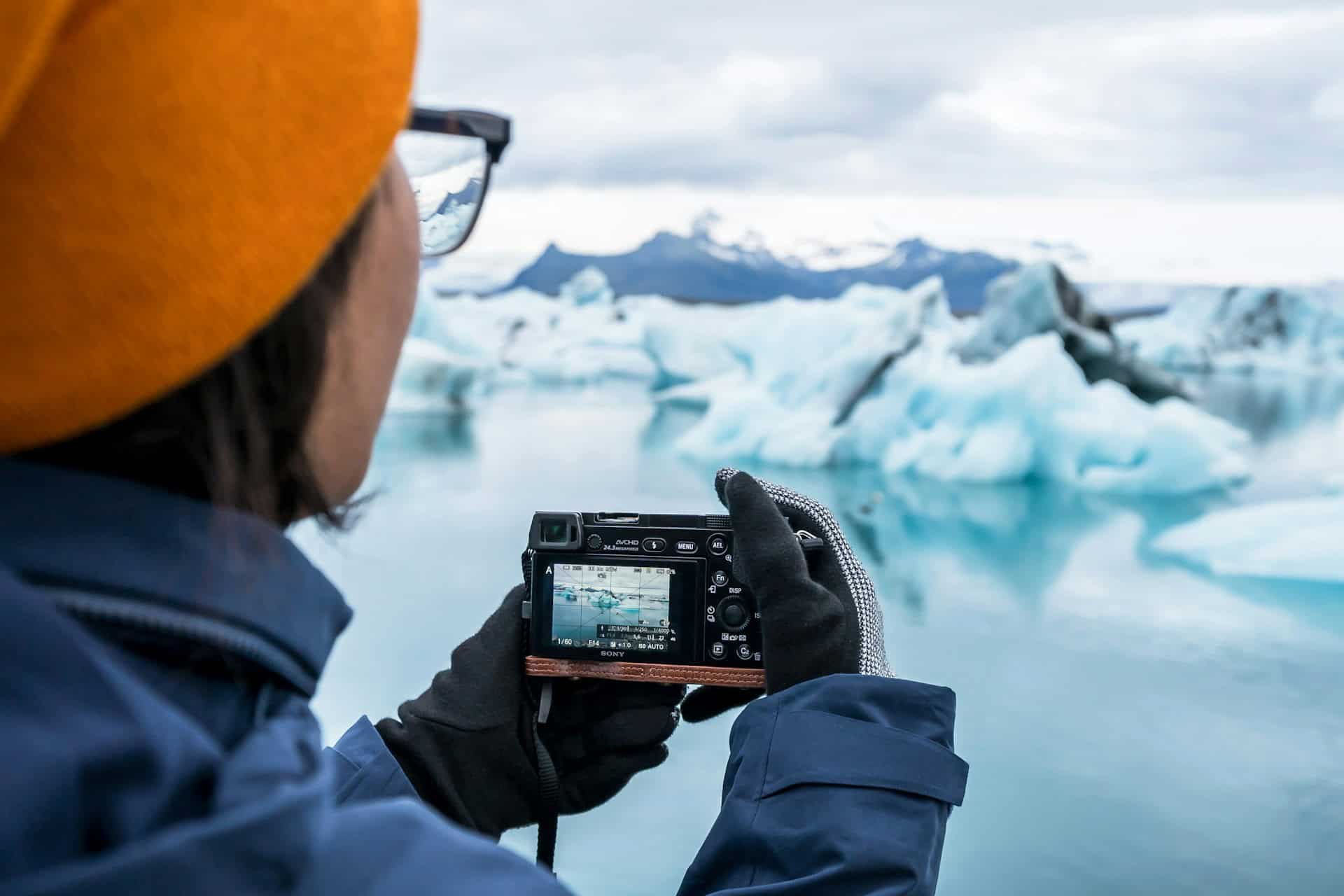
Or maybe you were cleaning storage and accidentally hit "format" instead of "eject." It's a stomach-dropping moment that feels irreversible.
For travelers, the stakes can feel even higher. Lost photos from a once-in-a-lifetime safari, backpacking trip, or overseas adventure often can't simply be recreated.
Here's the thing: it usually isn't. SD cards are used in everything from smartphones and mirrorless cameras to dashcams, GoPros, drones, and Nintendo Switches. Data loss on these cards is common.
The good news is that most people who lose files this way can recover them, sometimes completely intact, as long as they act quickly and don't make the situation worse.
This guide covers what actually causes SD card data loss, what happens under the hood when you format or corrupt a card, and - most importantly - how to recover your files step by step.
Why Do SD Cards Lose Data in the First Place?
There's no single answer. Causes range from "completely your fault" to "genuinely not your fault at all." Knowing which category you're in matters for figuring out the right fix.
You Deleted Something by Accident
Classic. You're in a hurry reviewing footage and delete the wrong clip. Or you tell your phone to clear cached data, and it deletes your photos.
Accidental deletion is the most common reason people seek SD card recovery tools. The upside is that it's the easiest to recover from, since the card wasn't reformatted or damaged.
You Formatted the Card Without Realizing What You Were Doing
This one stings. You insert your SD card into a new camera, and it asks if you want to format it. You click yes without reading carefully. Or you format intentionally, thinking you backed everything up, but then realize you didn't.
Formatted SD card recovery sounds scary, but it is more achievable than expected.
The File System Got Corrupted
This is the sneaky one. Corruption doesn't always announce itself. Sometimes the card works fine for months, then one day your computer can't read it.
The files might still be there, but the file system that tells your device where everything is has gotten scrambled. This can happen because of power surges, firmware issues, or wear and tear over time.
You Pulled the Card Out Mid-Write
Removing an SD card while your camera is saving a photo or your dashcam is writing video often causes corrupted data.
Travelers sometimes make this mistake when rushing to swap memory cards during a wildlife safari, removing a drone's microSD card right after landing, or disconnecting a camera while transferring photos at an airport lounge or hostel.
The write operation is cut short, leaving the file system broken and incomplete.
Virus or Malware
If you regularly plug your SD card into public computers or shared laptops, you risk exposure to malware. Some specifically target removable storage by hiding files, deleting them, or making them unreachable.
Camera or Device Errors
Hardware glitches happen. A camera can freeze mid-shoot, corrupting the current file. A phone update can mess with how the OS reads the card. These situations often leave files physically intact but logically unreachable.
Physical Damage
Bent pins, a cracked card body, water damage, sand intrusion, or extreme heat can physically damage an SD card.
Travelers are particularly vulnerable to these risks, whether a camera bag gets soaked while kayaking, a memory card gets sand-blasted at the beach, or electronics overheat after being left in a vehicle on a hot day.
This category is the hardest to deal with. Software can't fix a physically broken card. That's when you need professional data recovery services, which can quickly become expensive.
What Happens When You Format an SD Card?
Most people assume formatting erases everything permanently. That is not true, at least not right away.
When you run a quick format, your device deletes the card's table of contents. Think of it as tearing the index out of a book. The chapters are still there, but the device has no map to find them. A full format goes deeper, overwriting sectors with zeros and rendering recovery much harder.
This is why the most critical thing you can do after any data loss is to stop using the card immediately. Every new file written to the card, every photo taken, every video saved, can overwrite the space where your old data is stored. Once data is overwritten, it is gone for good. No software can bring it back.
If you just formatted a card by mistake and are reading this, put the card away. Do not take more photos or save anything to it. Just stop.
Signs That Your SD Card Might Be on Its Way Out
Data loss is not always sudden. Sometimes cards give a warning before they fail. Watch for:
- Your computer or camera stops detecting the card, even after reinserting it.
- You get a "card needs to be formatted" message on a card that was working fine yesterday.
- Folders or files you know exist just aren't showing up.
- Transfer speeds have gotten noticeably slower.
- You're seeing write-protection errors even though you haven't enabled write protection.
- Photos are opening corrupted, showing glitched previews, or not opening at all.
- Your device keeps throwing read/write errors during normal use.
Any of these alone might be a one-off glitch. If there are multiple occurrences at once, start backing up what you can and seriously consider replacing the card.
Can You Actually Recover Data from a Formatted or Corrupted SD Card?
Short answer: yes, often. But there is a catch.
Recovery software works by scanning the raw data on the card and looking for file signatures - the specific byte patterns that mark the start of a JPEG, MP4, RAW image, or whatever format you're working with.
Even if the file system is gone or broken, those signatures may still be sitting intact on the card. The software finds them and reconstructs the files.
Success depends almost entirely on how much new data has been written since the loss. A card formatted two minutes ago and untouched since has good odds. A card formatted three weeks ago and used since is much harder to recover. This is why acting fast matters.
For corrupted SD card recovery, the logic is similar. The file system might be unreadable, but the underlying file data is often fine. Recovery tools can scan below the file system level and retrieve files directly from the raw storage.
Why Stellar Photo Recovery is Worth Considering
Many recovery tools exist, and plenty are decent for basic file recovery. But if you want to recover photos, videos, or audio, especially RAW files from a DSLR or drone footage, you want something built specifically for that.
Stellar Photo Recovery can recover deleted photos, videos, and audio files from SD card scenarios as well as formatted and corrupted card situations.
It supports a wide range of card types, including SD, SDHC, SDXC, microSD, CompactFlash, and CFast cards, and it works with files from Canon, Nikon, Sony, Fujifilm, Panasonic, DJI, GoPro, and most other major brands.
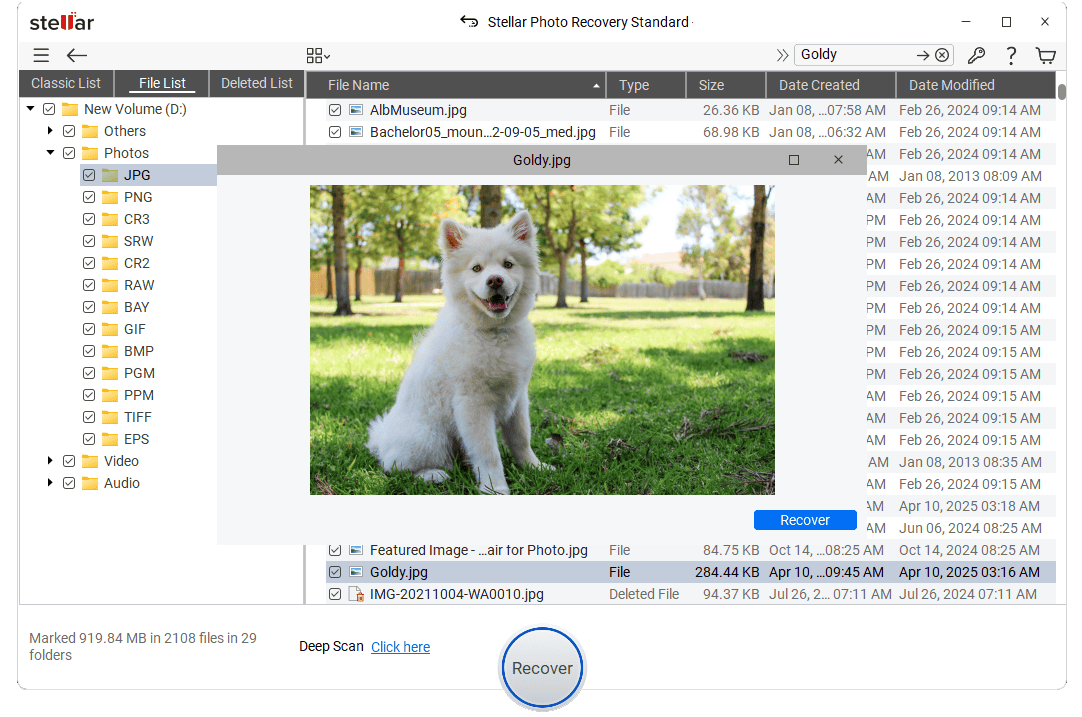
The deep scan mode is useful in difficult cases where standard scans come up empty. It digs further into the raw data and tends to find more. The preview feature works before you pay, so you can confirm files are recoverable before committing. It runs on both Windows and Mac.
No tool recovers everything every time. But for the most common data-loss scenarios - accidental deletion, formatted cards, corruption - it's a solid, well-regarded photo recovery software that delivers on its promises.
How To Keep This From Happening Again
A few habits that make a real difference:
Back up after every shoot. This sounds obvious, but many still don't do it. Get into the routine of offloading files to a hard drive or online storage at the end of the day.
Always eject properly. Don't just yank the card out. Use the "Safely Remove" or "Eject" option first every time.
Format cards in-camera, not on your computer. Cameras format memory cards in a way that's optimized for how they read and write. Computer-formatted cards are more prone to errors when used by camera devices.
Buy quality cards. Cheap no-name cards are tempting, but they fail more often and less gracefully. Stick with brands that have a track record.
Retire old cards. SD cards have a limited number of write cycles. If a card is several years old, replace it before it fails.
Don't use one card across too many devices. Different devices sometimes use different file system preferences, creating compatibility stress over time.
Keep cards safe physically. A small card case costs little and protects against bent pins and cracked contacts that require physical recovery.
The Bottom Line
Losing files on an SD card is awful, but it's rarely as permanent as it feels. Accidental deletion, formatting errors, and file system corruption are situations where recovery is possible, especially if you stop using the card immediately and run a recovery tool before anything is overwritten.
If you're dealing with lost or inaccessible photos and videos, Stellar Photo Recovery is a dependable place to start. Scan first, see what's recoverable, and go from there. You might be surprised how much is still sitting on that card, waiting to be found.
This story was published in partnership with Stellar Photo Recovery.