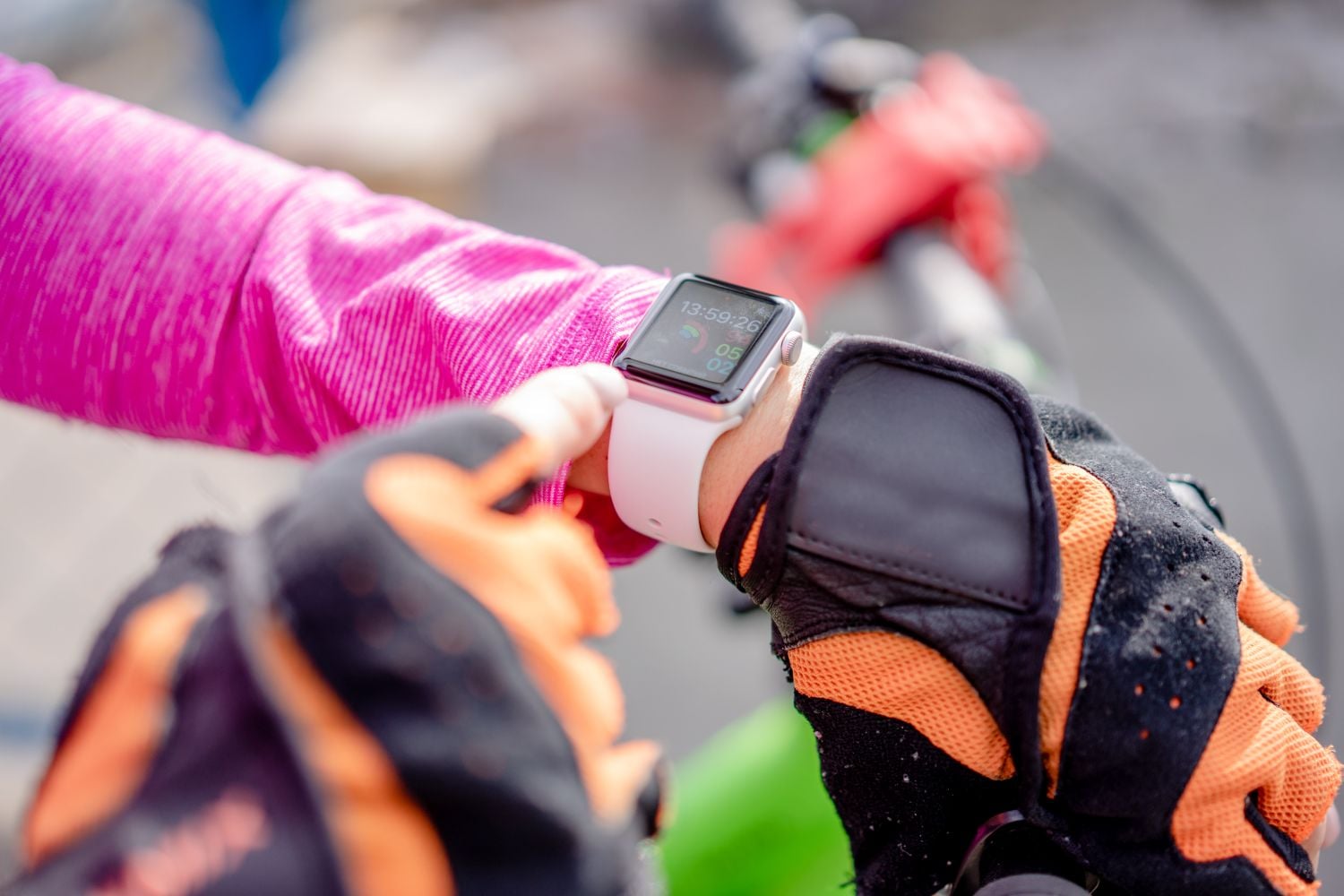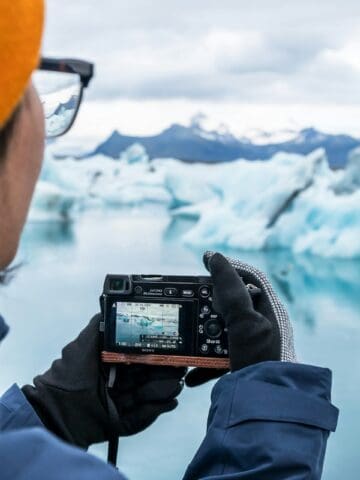
Backpacking today is as much about managing your tech as it is packing your gear. Phones hold boarding passes, maps replace guidebooks, and a dead battery can quickly turn an easy travel day into a stressful one.
Most travelers think carefully about what goes into their backpacks, but tech is often an afterthought. A little preparation before departure can help keep everything running smoothly on the road.

These five simple strategies cover the most important travel tech essentials for protecting devices, keeping plans accessible, and preventing minor glitches from becoming major disruptions.
Travel Tech Essentials for Backpacking
1. Choose Devices That Match Your Trip
Not every trip requires the same setup. A weekend getaway might only require a smartphone, while a longer backpacking trip or a remote-work itinerary may warrant bringing a second device.
The key is being intentional. Extra gear adds weight and risk, so every item should serve a purpose.
For longer trips, some travelers choose a lightweight laptop or tablet to manage bookings, photos, or work on the road. In those cases, selecting reliable but affordable gear is important.
Certified refurbished laptops from PCLiquidations can be a practical option, offering solid performance without the stress of carrying an expensive new device through unpredictable environments.
Battery life, durability, and portability should guide the decision. A device that can last a full travel day without constant charging is often more valuable than one with premium specs.
Pro Tip: For extended trips, consider a backup device strategy. Even a basic secondary device can be a blessing if your primary one is lost, stolen, or damaged.
2. Protect Your Gear From Drops and Weather
Backpacking environments can be harsh on electronics. Between crowded buses, hostel bunks, and sudden rainstorms, devices endure more abuse than at home.
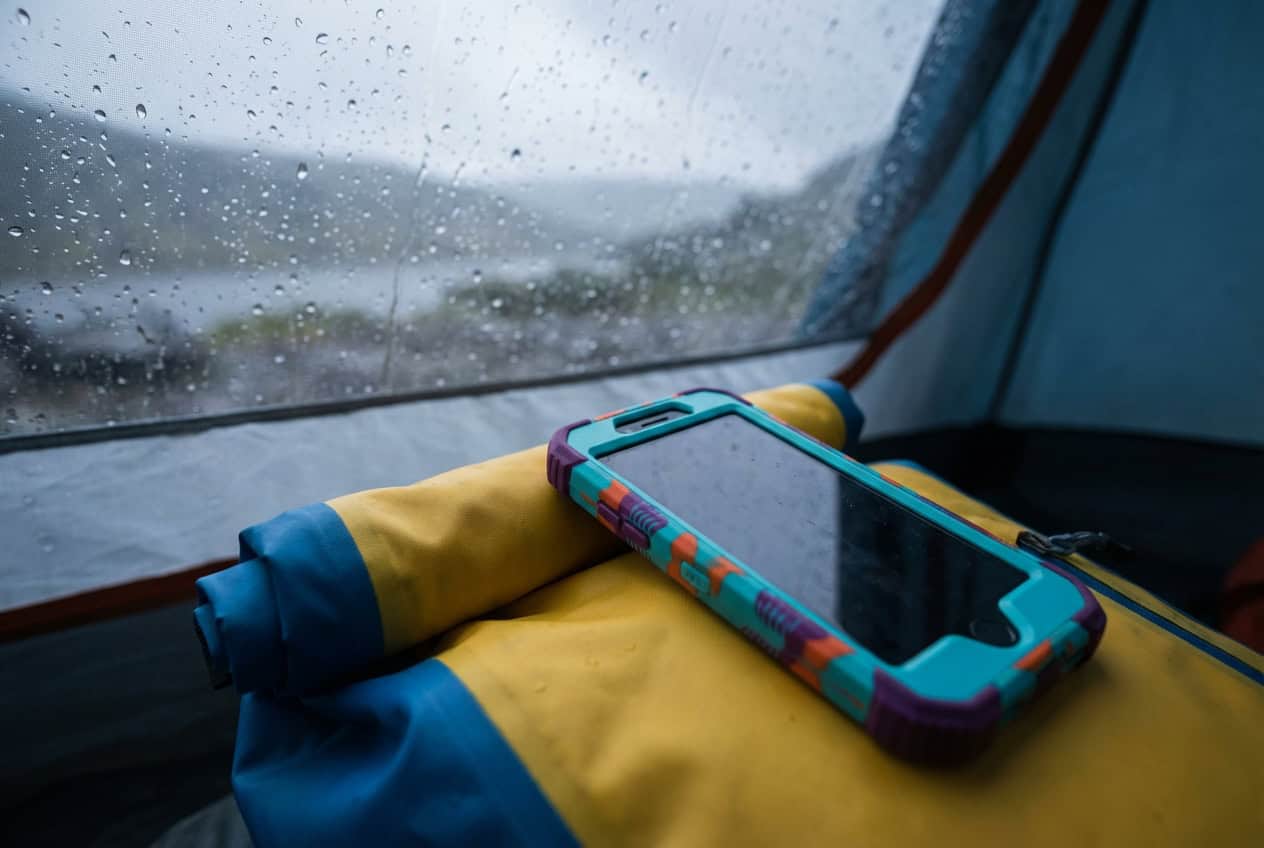
A layered approach to protection works best. Start with the basics: a durable case and a tempered-glass screen protector. For added resilience, keep electronics in a dry bag or waterproof pouch inside your main pack.
Personalizing your gear can also help. Using something distinctive, like Custom Envy's custom sublimated phone cases, makes it easier to identify your device in common areas like hostel charging stations, where multiple identical phones are plugged in.
For larger items like tablets or laptops, a padded sleeve provides an extra layer of security without adding much bulk.
Pro Tip: Keep your most-used device (usually your phone) in a consistent, easy-to-access spot. It reduces the chances of accidental drops while digging through your bag.
3. Set Up Offline Maps and Backup Documents
One of the easiest ways to avoid travel stress is by preparing for moments without internet access. Arriving in a new city late at night with no signal is common and easily handled with some prep.
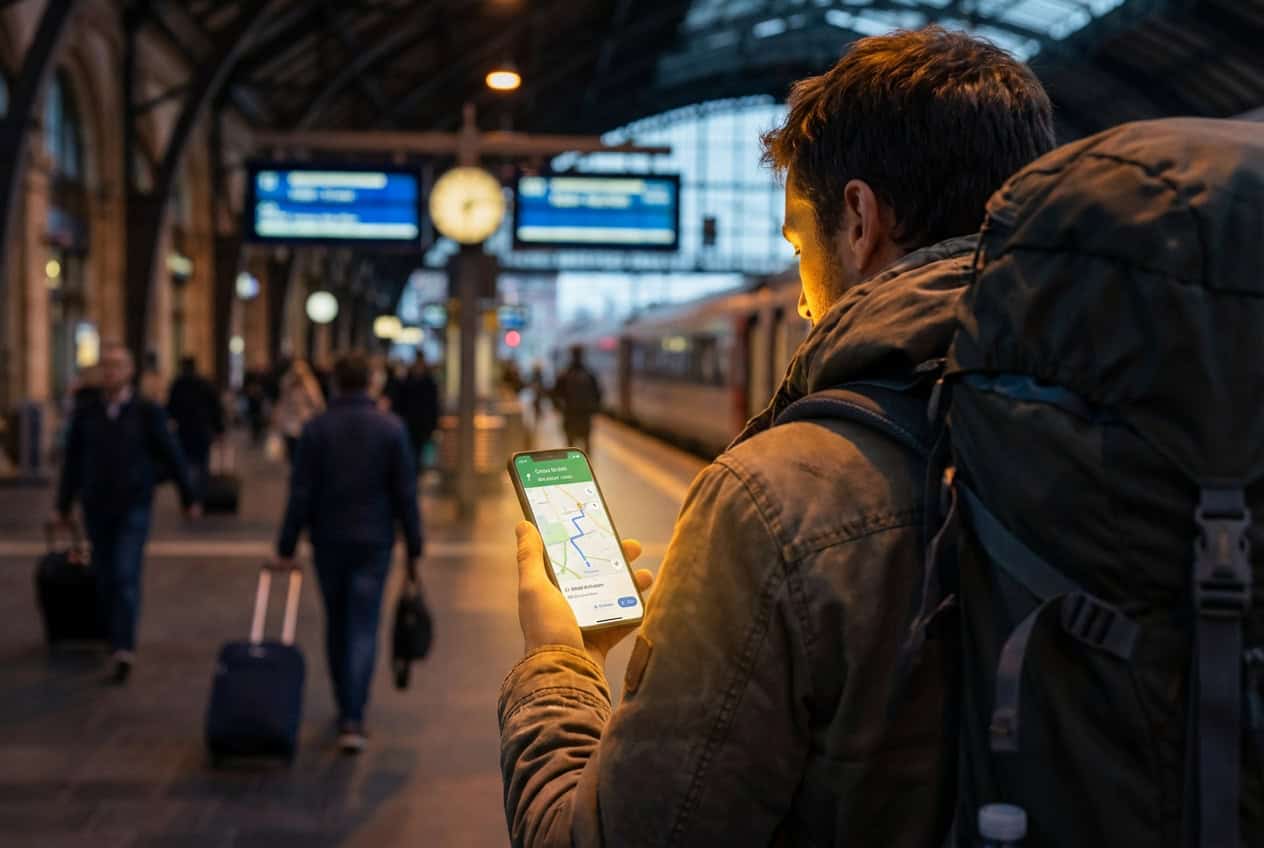
Before departure, download offline maps for each destination. Apps like Google Maps allow users to save entire regions, making navigation possible even without data.
It's also smart to store key travel documents (passport copies, insurance information, reservations) in an accessible offline folder. Keeping a second copy in secure cloud storage provides an additional layer of backup.
Language packs and translation apps can also be downloaded in advance, helping bridge communication gaps immediately upon arrival.
Pro Tip: Save your accommodation location as a pinned point in your maps app before you arrive. It's a basic step that can save a lot of confusion after a long travel day.
4. Build a Simple, Reliable Power Kit
Power management is one of the most overlooked parts of travel planning, until it becomes a problem.
A dead phone doesn't just mean no social media. It can mean no boarding pass, no directions, and no way to contact your next accommodation.
A basic power kit should include a high-capacity portable charger, a compact travel adapter, and short charging cables to minimize clutter. Keeping everything in one small pouch makes it easy to grab.
For longer trips or remote travel, some backpackers also carry a small solar charger as a backup. While not essential for every trip, it can be useful in off-grid situations.
Airline restrictions are worth noting as well. Most carriers limit battery capacity to 100Wh, so it's important to check before flying.
Pro Tip: Charge your power bank whenever you get the chance at airports, cafes, or hostels. Treat it like a backup fuel tank, not something you only think about when empty.
5. Run a Basic Digital Security Routine
Travel often means relying on public Wi-Fi in airports, cafes, and hostels, which can expose personal data if precautions aren't taken.
A few simple habits can go a long way. Start by using strong passwords and enabling biometric locks on devices. Avoid logging into sensitive accounts on shared or public computers.
Using a reputable VPN on public networks offers an extra layer of protection, especially when accessing banking or personal information.
Backing up essential data before leaving home is also critical. If a device is lost or stolen, having secure backups ensures nothing critical is lost with it.
While most trips go smoothly, preparing for worst-case scenarios is part of traveling smart.
Pro Tip: Enable "Find My Device" or similar tracking features before your trip. If something goes missing, having that tool ready can make recovery much easier.
The Bottom Line
Technology plays a central part in modern travel, and having the right travel tech essentials makes a noticeable difference on the road.
A little preparation before departure - choosing the right devices, properly protecting them, and setting up simple systems - can prevent the most common issues travelers face on the road.
These aren't complicated strategies. They're small, practical steps that help keep everything functioning well when plans inevitably shift.
With the right setup, travelers can spend less time troubleshooting and more time appreciating the journey.
_____
This story was published in collaboration with PCLiquidations and Custom Envy and edited by the Go Backpacking editorial team for clarity and fit.